
Designer
A canvas that does the hard parts
Split a screen into zones, apply your brand fonts and colours, and start from a starter template. Drag, drop, snap — no design tool required.
- Multi-zone
- Brand styling
- Starter templates
- Drag & drop
All About Displays
Opixo Studio
Design content, schedule it, and publish to every screen — without installing a thing. Most people ship their first screen in minutes.
Live in the browser
Every screen. One studio.
Compose the layout, drop in live widgets, and hit publish. Paired players pick the change up over the air — one screen or the whole estate.
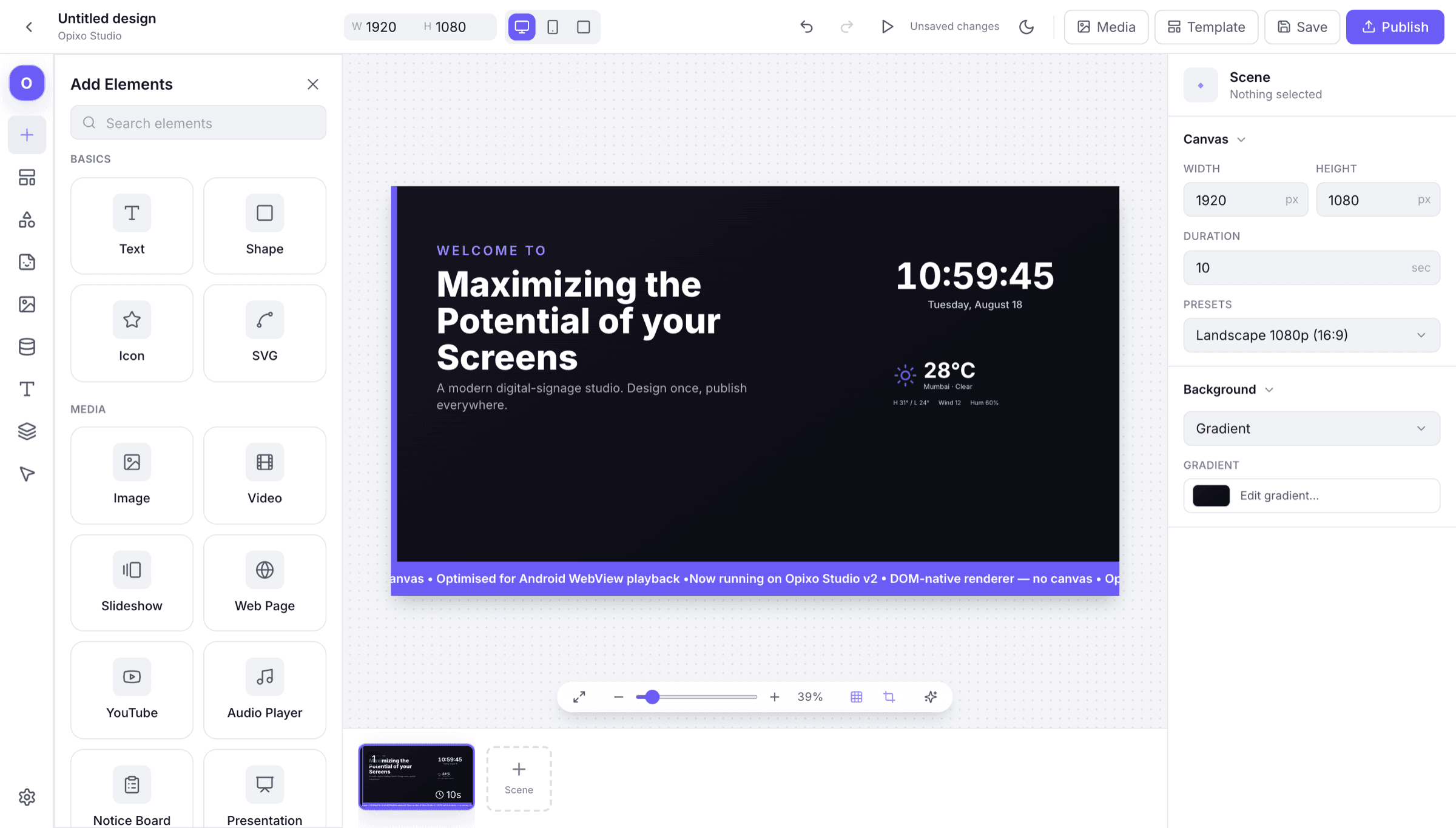
Studio is the whole chain — canvas, media, schedule and device control — so nothing has to be stitched together from separate tools.
Designer
Split a screen into zones, apply your brand fonts and colours, and start from a starter template. Drag, drop, snap — no design tool required.
Media
Images, 4K video, audio, PDFs and live streams are optimised automatically on upload, so they play smoothly on any screen — every time.
Scheduling
Build playlists, daypart by the hour, drive boards from a live sheet, and target screens by group or location — all from one place.
AI tools
Coming soon: generate an on-brand first draft, smart-resize across screen ratios, and take content suggestions — then make it yours. Everything else on this page works today; this does not yet.
Devices
Push updates over the air, see which players are online, and rely on offline playback to keep screens running if the network drops.
Reliability
Encrypted channels, role-based access, and dependable uptime — managed entirely from the cloud, with no on-site servers to babysit.
Café menu
Menu board with dayparted sections.
Flight board
Live rows, mono numerals, wall-clock time.
Token queue
Now-serving counters for a waiting area.
Start today
Publish your first screen
Open Studio in the browser, pair a player, and push content to it. No servers, no installs, nothing to license per seat.