
Publishing over the air
Hit publish in Studio and paired players pick the change up themselves — one screen or the whole estate. Nobody drives to a site with a USB stick.
All About Displays
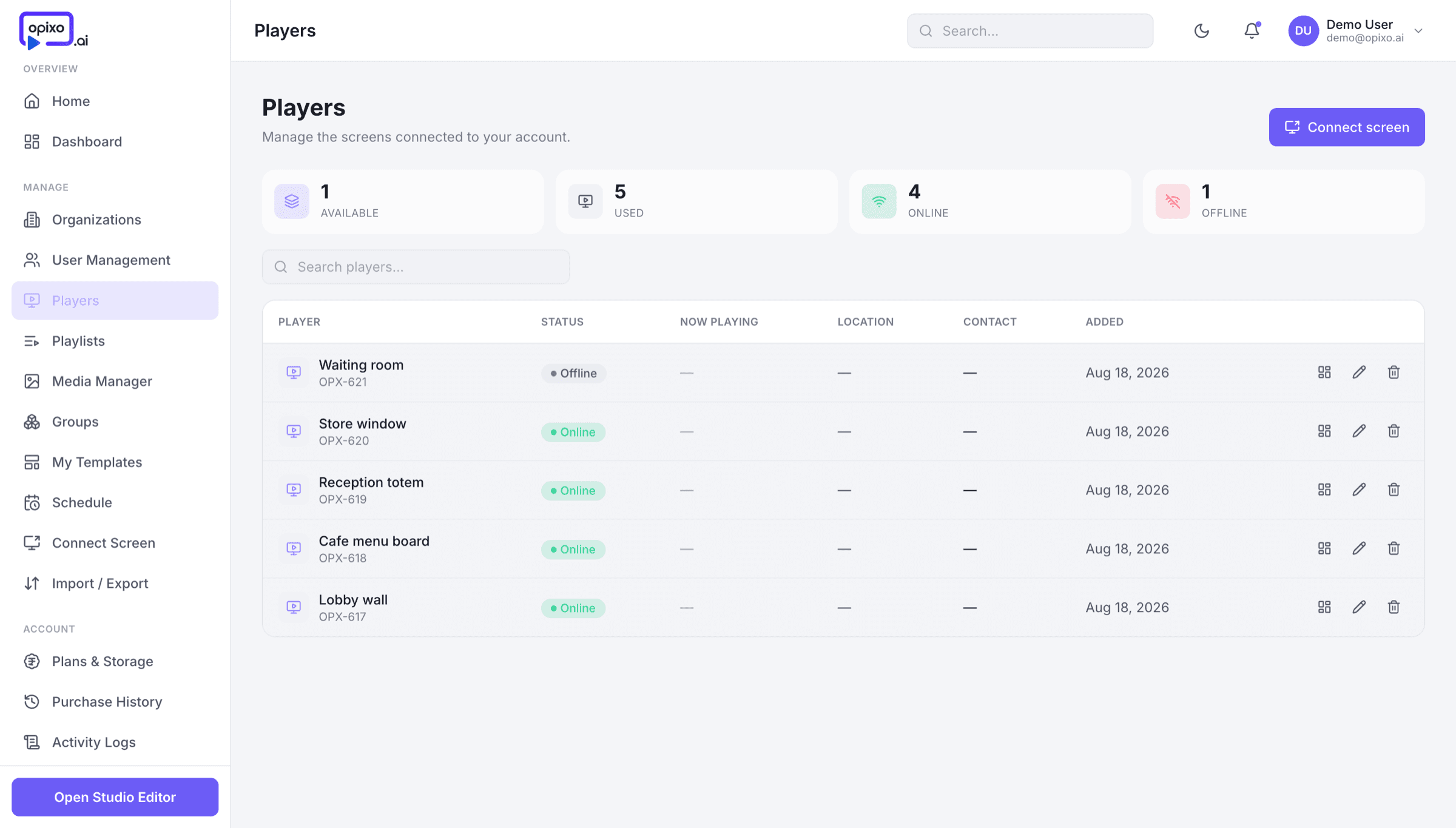
Studio · Devices
The player is the part nobody should have to think about: it pairs once, updates itself over the air, and keeps playing when the network does not.
On the wall
It keeps playing
A board like this is only useful if it is up every hour it is meant to be. The player caches its schedule locally, so a dropped connection changes nothing on screen.
Hit publish in Studio and paired players pick the change up themselves — one screen or the whole estate. Nobody drives to a site with a USB stick.
Content is cached on the device before it plays. If the network drops, the schedule carries on from local storage and catches up when the connection returns.
See which players are online, what each one is currently playing, and which ones need attention — from the same place you designed the content.
The player is an Android app, so it runs on an Android media box or a TV that already has Android on board. Pair it once and it stays paired. LG webOS and Samsung Tizen builds are in testing.
01
Put the Opixo player on the Android device behind the screen.
02
The player shows a code. Enter it in Studio and the screen is claimed to your account.
03
Send it a playlist. From then on the device updates itself whenever you publish.
Pair a screen
Bring your own Android device, or buy a screen and player already set up for Opixo.