
Digital signage, end to end
Every screen.
One studio.
Design once in the cloud Studio and publish to one display or a thousand. Screens, players and live widgets included.
How it works
Three steps to on-screen
- 01
Design
Start from a template or a blank canvas. Drag in live widgets — menus, queues, weather, dashboards.
- 02
Schedule
Set what plays where and when. Dayparting, playlists and per-screen overrides, all from one place.
- 03
Publish
Push to one screen or a thousand. Players cache everything, so content keeps playing if the network drops.
Design once. It runs everywhere, live.
A drag-and-drop studio, scheduling that thinks in day-parts, live data widgets and players for every screen you own.
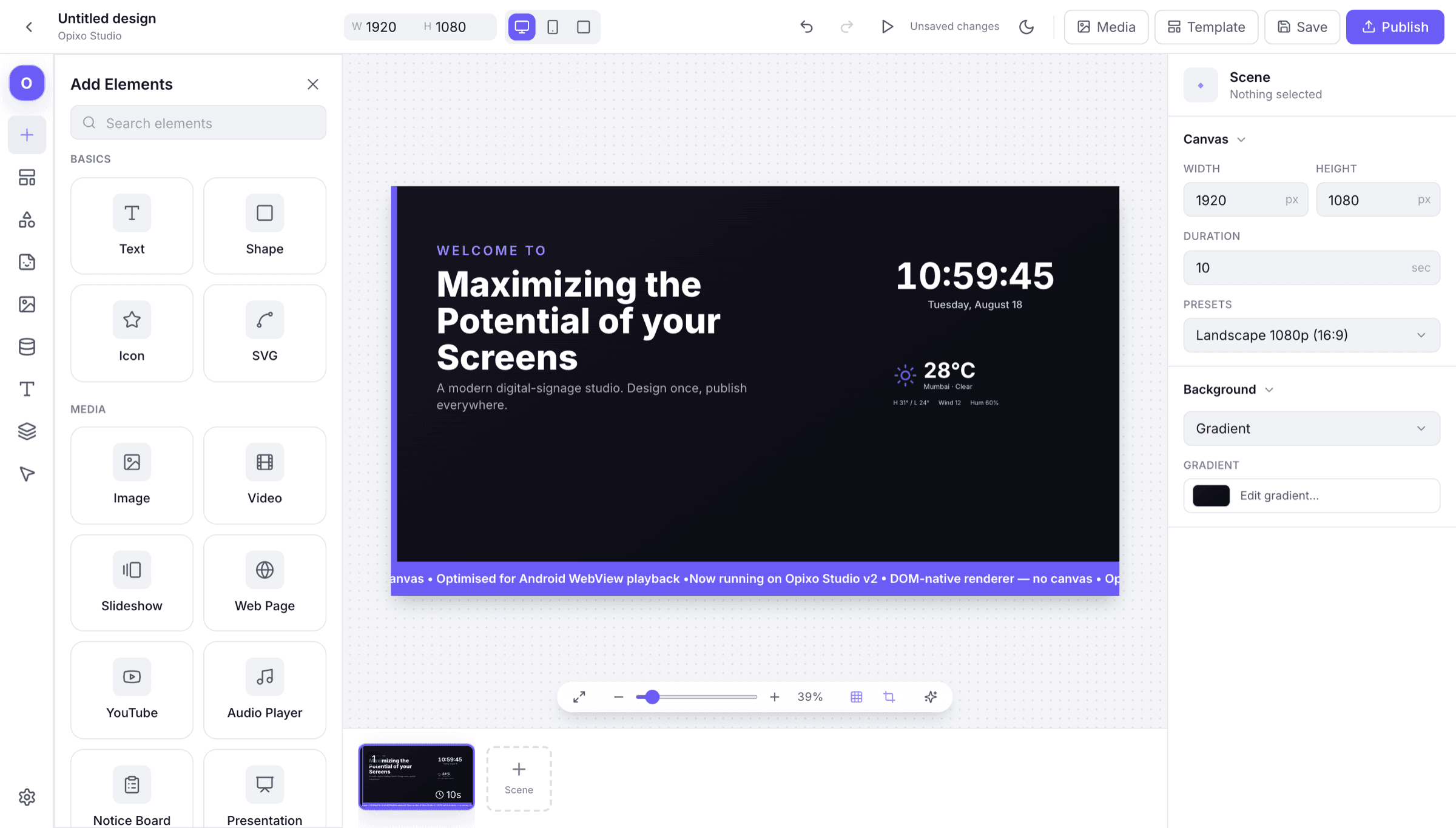
A studio, not a slideshow
Drag-and-drop scenes with layers, snapping and per-element animation — and the editor draws with the same components the player does, so what you design is literally what plays.
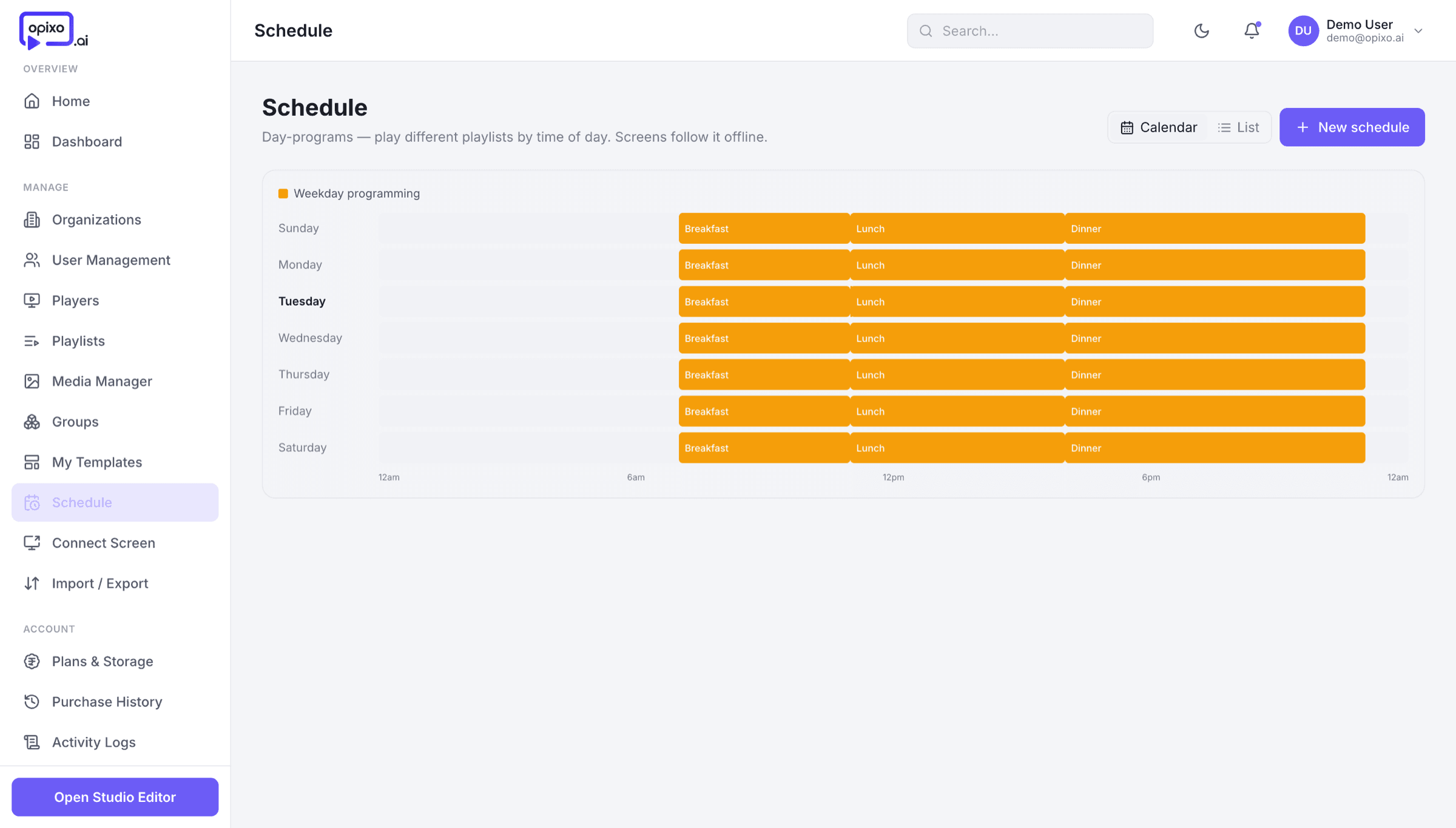
Scheduling that thinks in day-parts
Breakfast menu at 7, lunch at 12, offers at 5 — planned once, rolling out every day on time.
24 live widgets
Weather, live news, menu boards, tables, QR codes, YouTube, countdowns — drop one in and it keeps itself current.
Screens that read your data
Bind layouts to sheets, feeds and APIs — prices, rosters and stock update themselves.
Plays on, even offline
Content is cached on the player. Networks drop; your screens don’t. Everything syncs back the moment the line returns.
Android TV
.apk · Android 7+
LG webOS
.ipk · in testing
Samsung Tizen
.wgt · in testing
One publish, every platform
Android players ship today. LG webOS and Samsung Tizen builds are in testing, and the browser plays the same scene — same pixels, no per-platform rework.
One studio, every kind of screen
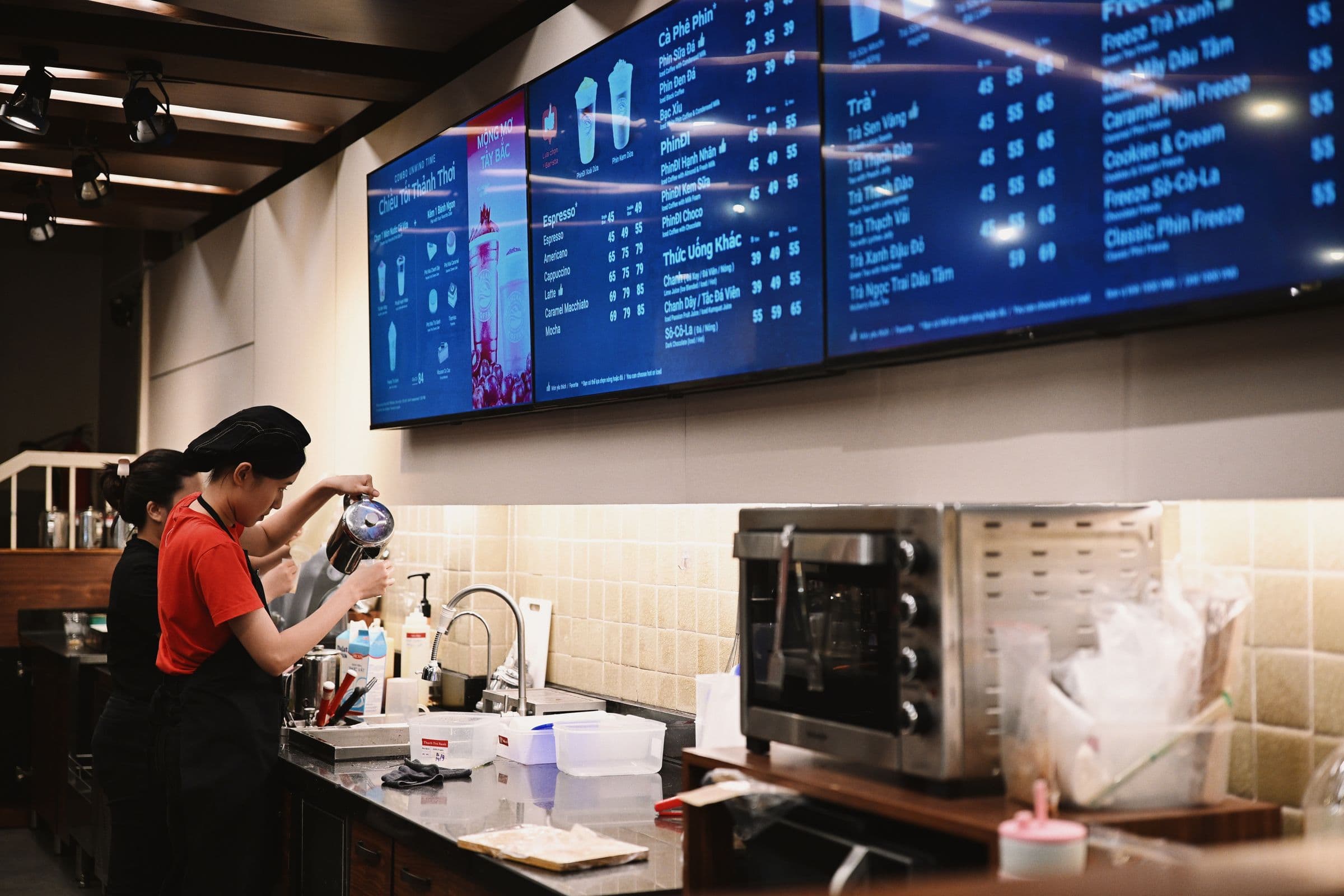
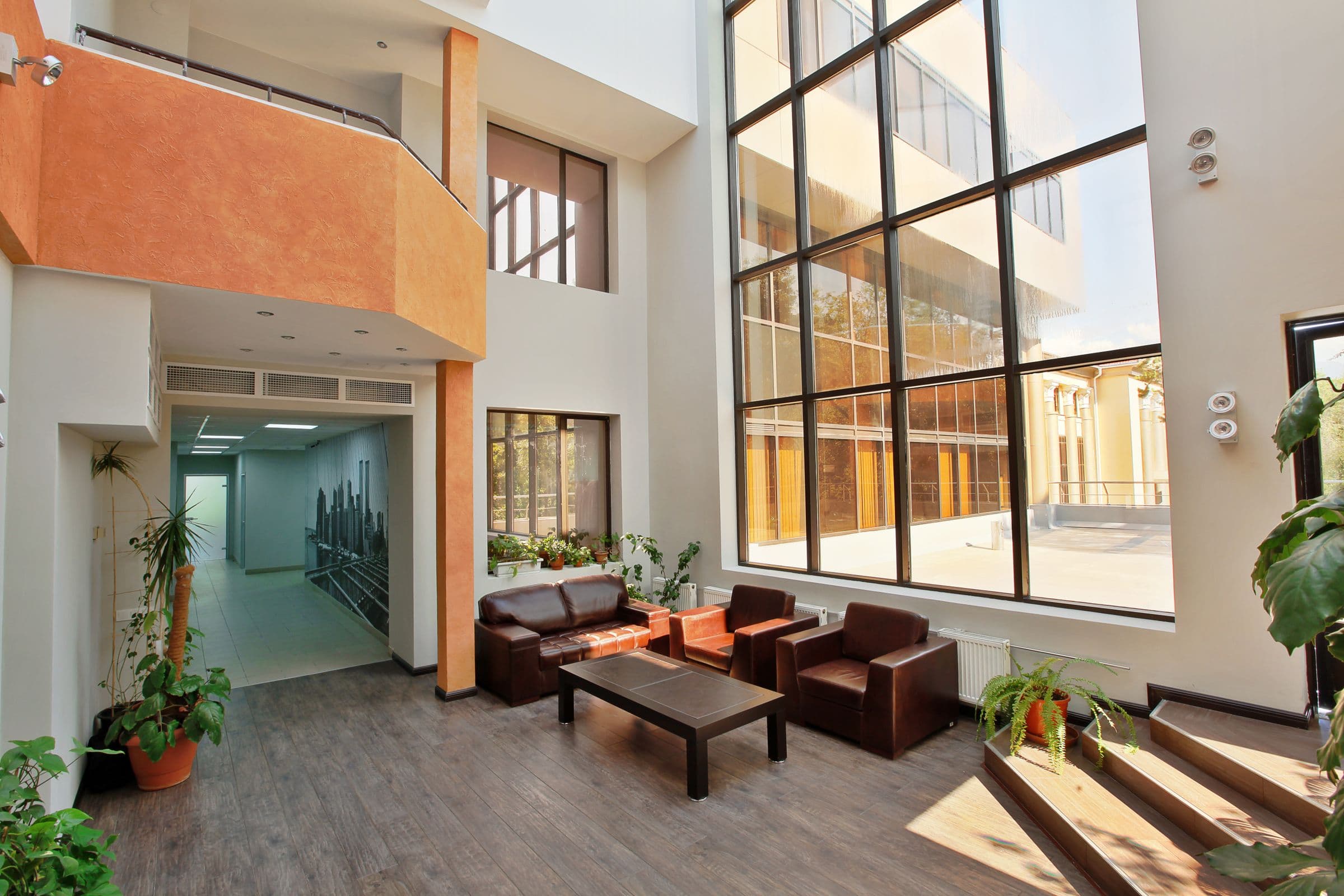
Menu boards, lobby walls, token queues, campus notices — the same studio runs them all, with widgets tuned to each floor.

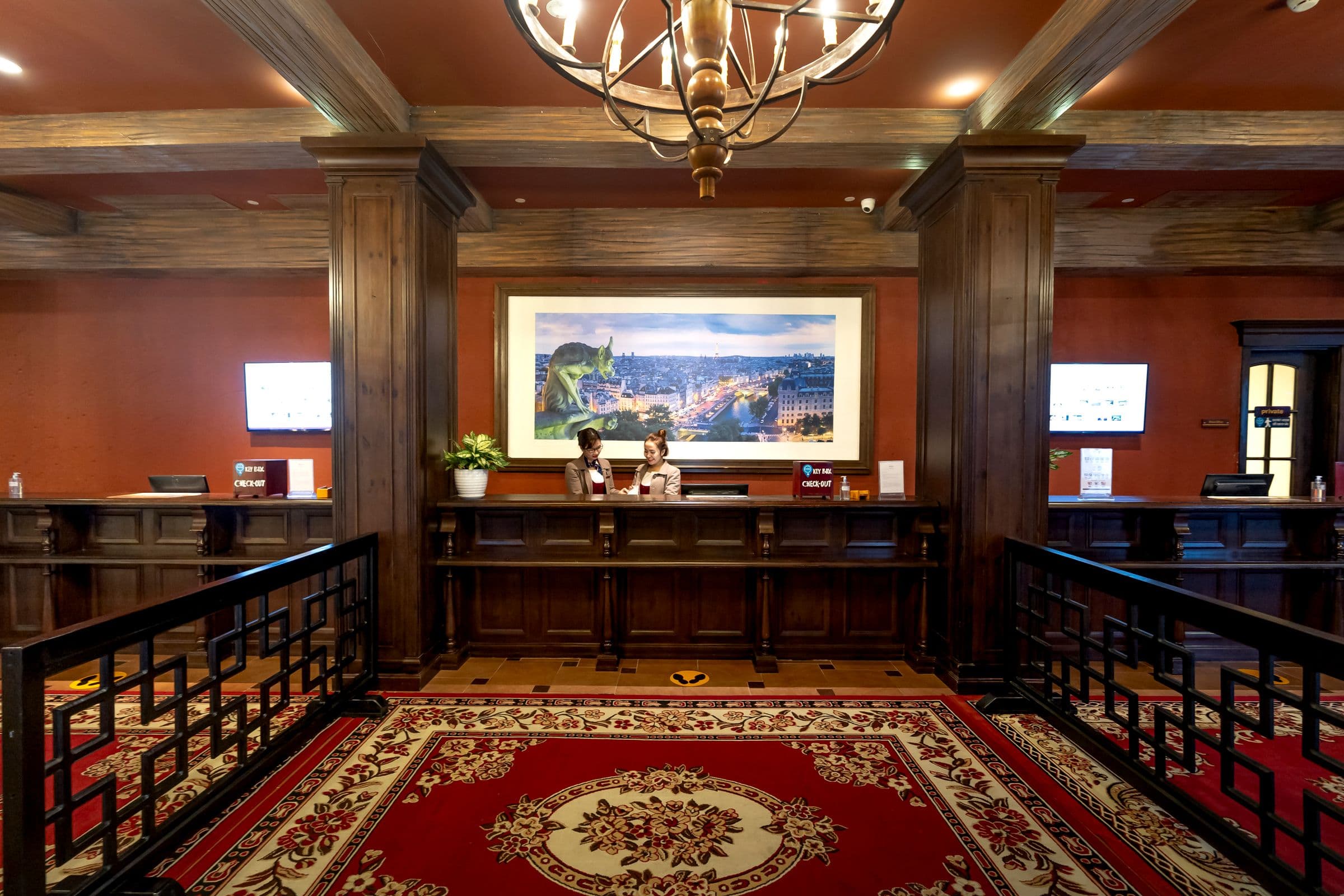
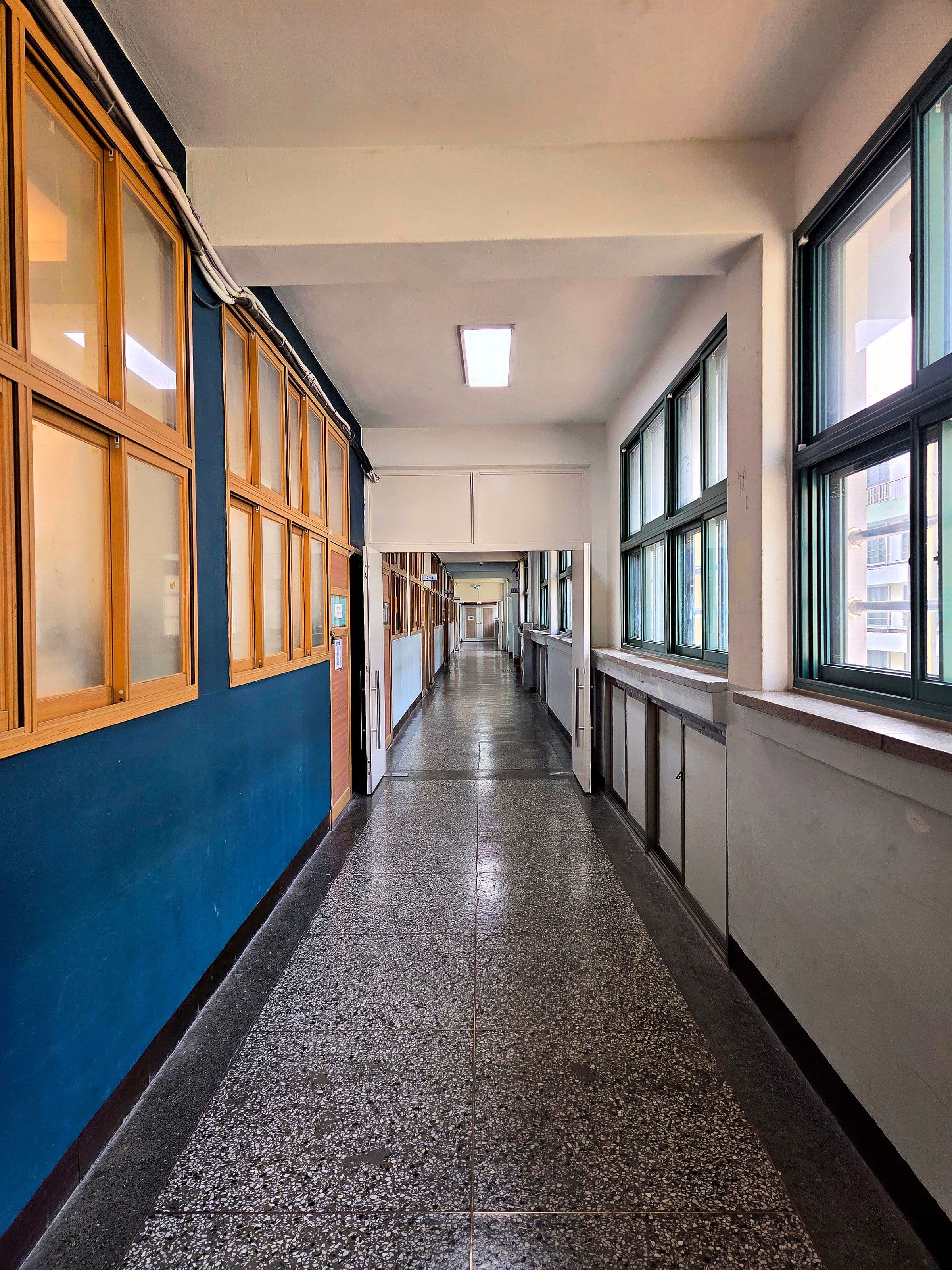

Hardware
Screens and players, ready to run
Our hardware range isn't loading right now.
Open the store →Templates
Start from a screen that already works
Pick the one closest to your room, change the words and the prices, publish. Every tile below is the live renderer — the same one your players use — not a picture of one.
Questions, answered
Opixo is an all-in-one digital signage platform: a cloud Studio to design content, an Android player app to run it, and signage screens to show it. You design once and publish to one display or a thousand.
Put every screen to work
Design a screen in the browser, publish it to a player, and see it live in minutes.