
Widgets & apps
Live data, on screen
Add a widget and it keeps itself up to date — no re-exporting, no manual edits. Every tile below is the real renderer, running in your browser right now.
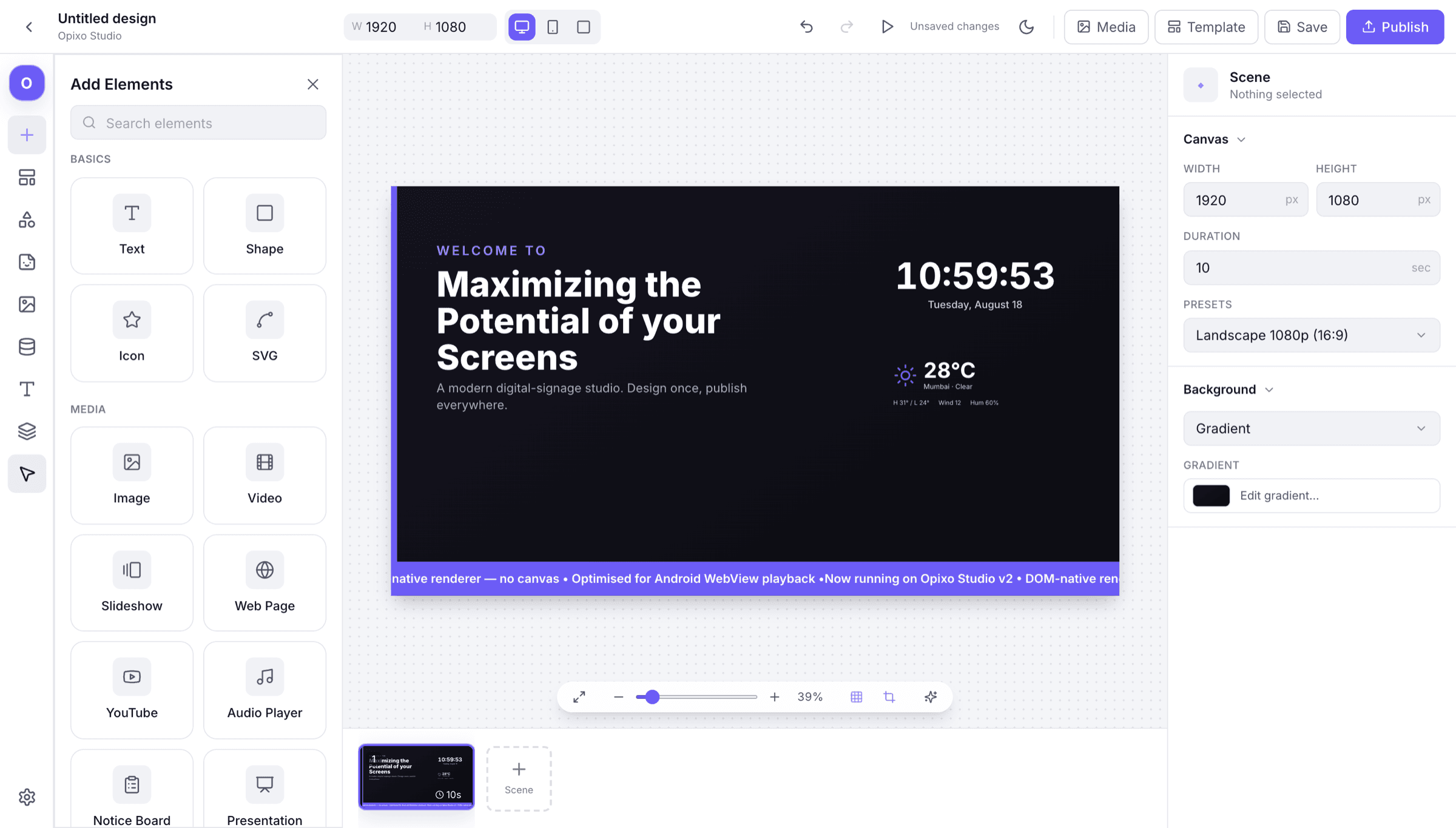
Widgets, playing
Each one is a block you drop on the canvas, size to a zone and point at a source. From then on the screen looks after itself.
Weather
Current conditions and the days ahead, pulled live.
KPI dashboard
Team numbers on the wall, refreshed without anyone exporting a deck.
Data source
A spreadsheet or feed bound straight to the layout.
YouTube
A channel or playlist playing inline on the canvas.
Café menu
Menu board with sections that change by daypart.
Retail promo
Retail offers and pricing you can swap in minutes.
Flight board
Departure rows with mono numerals and wall-clock time.
Token queue
Now-serving tokens for a counter or waiting area.
Air quality
Environment readings rendered as a calm, glanceable panel.
Scan & Learn
Scan a product and the screen answers with its detail.
Room schedule
Today's bookings for the room outside the door.
In the widget drawer
- Text
- Shape
- Icon
- SVG
- Image
- Video
- Slideshow
- Web Page
- YouTube
- Audio Player
- Notice Board
- Presentation
- Clock
- Weather
- Ticker
- Live News
- QR Code
- Air Quality
- Table
- Countdown
- Menu Board
- Wayfinder
- Repeater
- Scan & Learn
Live data
Set it once. It keeps itself current.
Point a widget at a feed, a sheet or an account and publish. The screen refreshes on its own — nobody has to re-export a file to change a number.